Most of the computer users suffer from the problem of slowing down their computer. Computers tend to get older as time goes on, which slows down the computer. And it doesn’t matter if you use heavy software like Adobe Photoshop or video editing. But if some rules are followed in the use of computer, this problem can be avoided to a great extent, and also the computer can regain its strength.
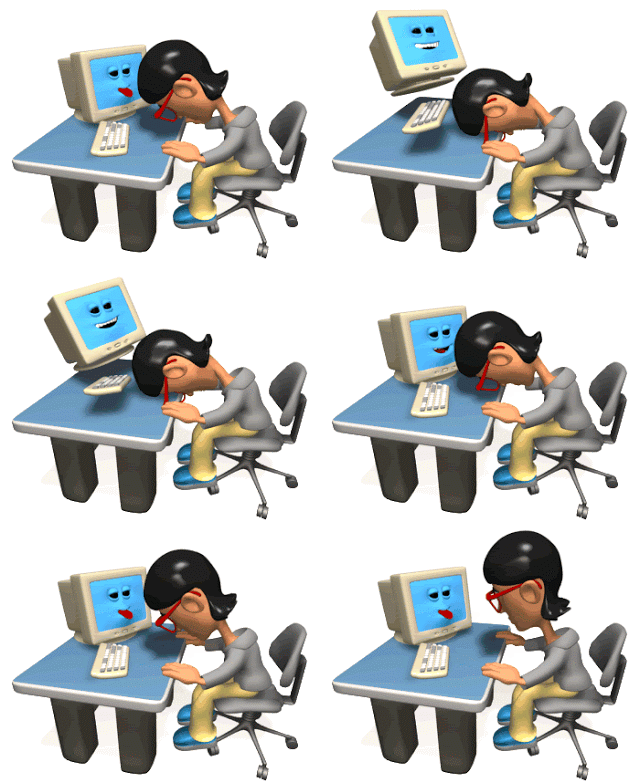
We have a lot of software installed on our computer, some of which are necessary and some are unnecessary. These software hold a lot of storage in the computer. Due to which you have to face various problems, such as: It takes a long time to start the PC, moreover, there is a lot of pressure on the PC’s RAM. So you need to uninstall the unnecessary software.
There are many free third party software available on the Internet that clean up various computer wastes and speed up the computer. But behind the free software it can be malware. Due to which, your whole computer may become obsolete. So refrain from using free third party software. You can use “Iolo System Mechanic” software as a performance booster. It works very well. It will cost about 45$ to buy.
Many programs are started as soon as the PC is started. This can cause many problems for the PC. So these programs should be stopped. To turn them off, turn on “Task Manager”, if you do not know how to turn them on, follow these steps:
To launch Task Manager, first press CTRL+SHIFT+ESC.
Then click on the Startup Column section.
Then click on the “Right Button” mouse on those programs and the text Disable will appear. Then disable it
Disk is very important for computer. Disk contains many unnecessary files, offline web pages and installer files. These files do a lot of disk damage, slowing down the computer. So you have to keep these files clean. To delete these, go to Start Menu and search by typing Disk Cleanup, then Disk Cleanup program will be started. Then check each drive one by one and delete the unnecessary files.
Adding SSD (Solid State Drive) to PC increases the speed of computer way more times. Most of the people buy SSD cards separately to speed up their old PCs. Using this card, a lot of heavy software like Adobe Photoshop, Illustrator, Adobe Premier Pro loads on the computer quickly. SSD cards are priced differently according to storage.
“Windows Defender” is installed on every computer by default to prevent malware attacks. It also acts as an antivirus. However, there are many free and paid antiviruses available on the Internet that can help prevent virus attacks. One of the free antivirus is “Avast Antivirus”. There is a free version just like there is a paid version. It has a lot of good protection for free.
Installing a lot of software means getting annoying notifications. To turn off notifications, go to Computer Settings, search for “Choose which apps show notification” and enter it. Then scroll a little to see which software notifications come from. Then you have to turn off the toggle button next to the software to turn off the notification, then the notification will stop coming. There will be no notification when it is untimely.