| STORE LOGO | DATE | BDT PRICE | SHIPPING | LINK |
|---|---|---|---|---|
 |
30/11/-0001 | Free | Website |
| Brand | Dell |
|---|---|
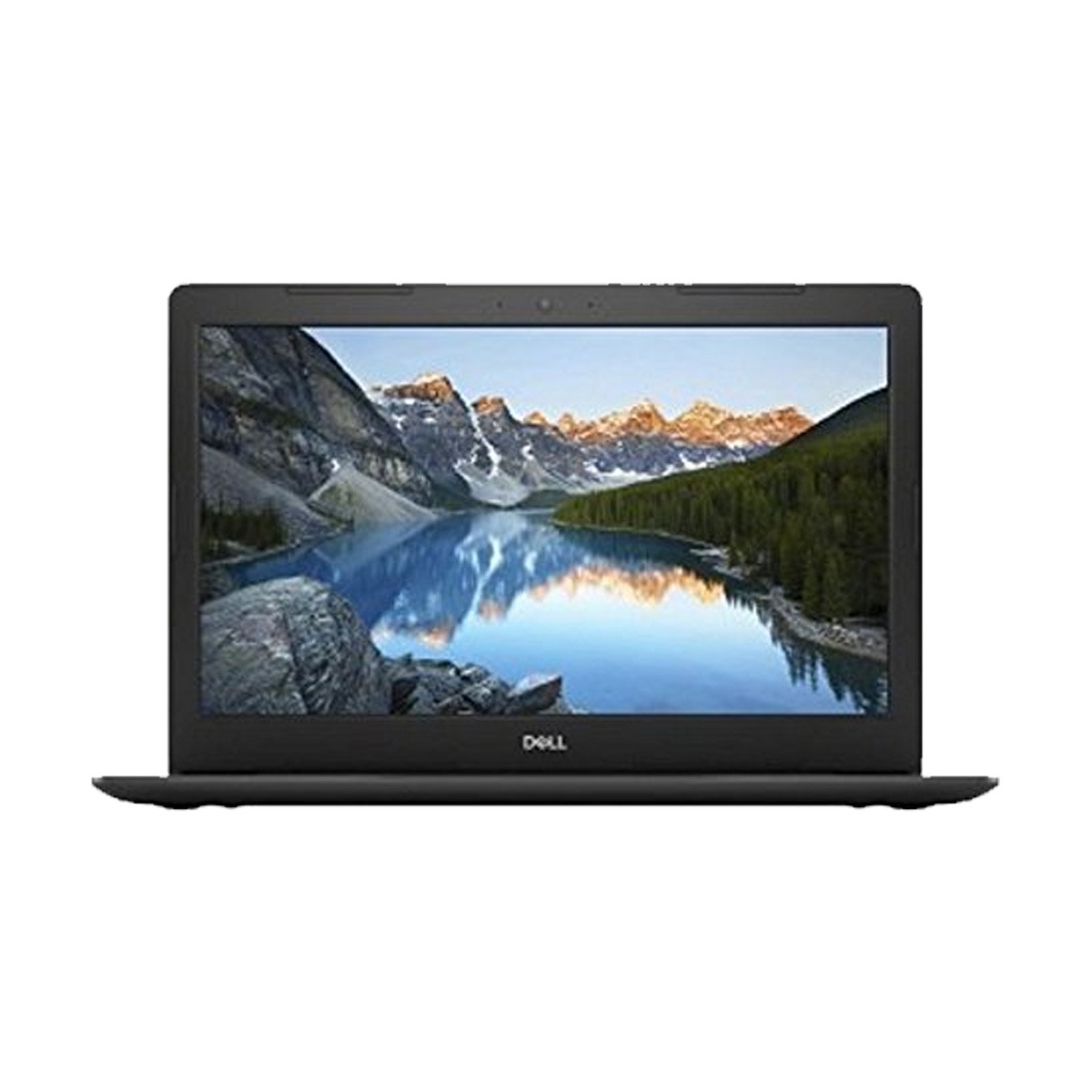
| Model | Dell Inspiron 15-5570 |
| Processor | Intel Core i3 8130U |
| Generation | 8th |
| Clock Speed | 2.2-3.4GHz |
| Cache | 4MB |
| Display Type | FHD LED |
| Display Size | 15.6″ |
| Display Resolution | 1920×1080 (WxH) FHD |
| Touch | No |
| RAM type | DDR4 |
| RAM | 4GB |
| Storage | 1TB HDD |
| Graphics chipset | Intel UHD Graphics 620 |
| Graphics memory | Shared |
| Optical device | DVD RW |
| Networking | LAN, WiFi, Bluetooth, Card Reader, WebCam |
| Display port | HDMI |
| Audio port | Combo |
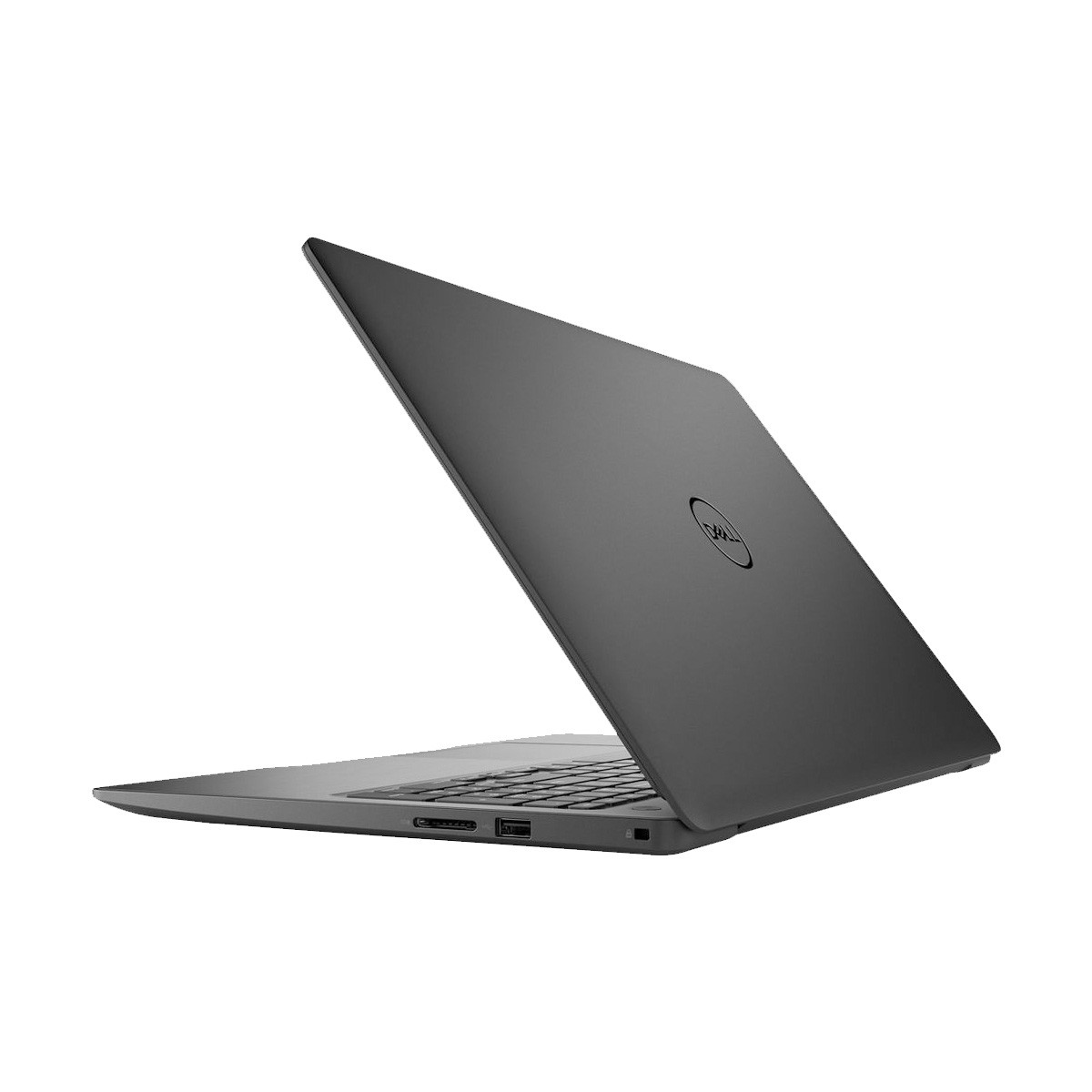
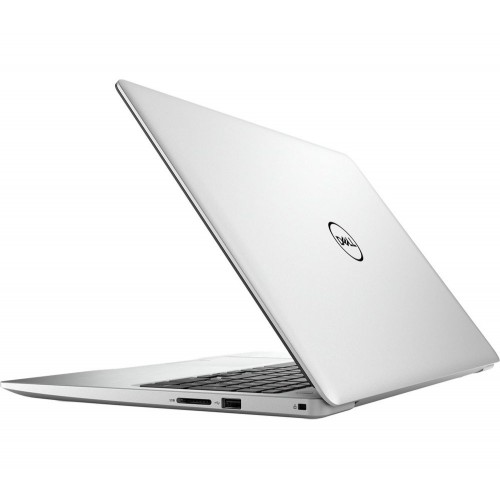
| USB Port | 2 x USB3.1 Gen 1, 1 x USB2.0 |
| Battery | 3 Cell |
| Weight | 2.20Kg |
| Color | Platinum Silver |
| Operating System | Win-10 Home |
| Part No | LOKI15KBL19052390R |
| Country of Origin | USA |
| Made in/ Assemble | China |
| Warranty | 2 year (Battery, Adapter 1 year) |
We want you to love your new PC for years to come. That’s why we test Inspiron laptops for reliability not just in the places where you expect it, but for the open road ahead.
Turn up the heat: From locker rooms to locked cars, we test Inspiron laptops for survival in harsh short-term heat conditions of 65°C/149°F.
Everything hinges on it: We test Inspiron laptop hinges to ensure they still feel tight, even after opening and closing the lid 20,000 times.
Keys to success: We test commonly used keys for 10 million keystrokes and touch pad buttons 1 million times with no failure. So go ahead, finish your novel.
Buttoned up: No matter what you set your power and multimedia buttons to do, we’ve tested them all to survive 40,000 pushes with no problems.
Twist and turn: Call us excessive, but after twisting an Inspiron laptop’s base and lid more than 25,000 times, we can assure you the parts inside are well protected.
Always a good fit: You’ll probably never need to remove and reinstall your Inspiron’s battery 30 times, but you can rest easy knowing that we’ve tested even that.









Leave Review